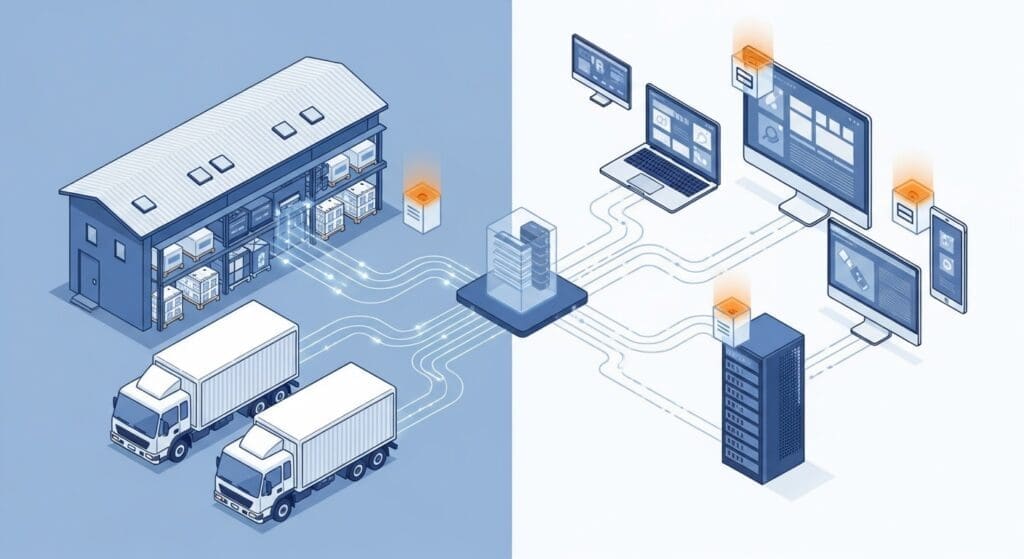
Selling frozen food online in South Africa comes down to one hard question at checkout: what does cold-chain delivery to this address cost, and can we even service it? Get that wrong and you either scare buyers off with a flat fee that’s too high, or quietly lose money on every parcel. This guide shows the modern way to get accurate, live cold-chain shipping rates into your online store — starting with the free CBX Woo Shipping plugin for WooCommerce — and how the rest of the Cibarix™ platform from The Frozen Food Courier™ carries the order all the way to the door.
The old way: hand-built rate tables that go stale
For years the standard advice was to bolt a generic table-rate or weight-based shipping plugin onto your store and hand-enter brackets: so many rands per kilogram, a surcharge here, a flat box rate there. It works — until the fuel price moves, a lane re-bases, or you start selling into a suburb you can’t actually keep frozen to. Then every one of those hard-coded numbers is wrong, and you’re the last to know. Manual rate tables, spreadsheet imports and stitched-together automations all share the same flaw: the price a customer sees is a copy, not the truth.
The Frozen Food Courier™ now closes that gap. Rates come live from our rate card at the moment of checkout — never hard-coded — so what the customer pays is what the delivery actually costs to run, priced by route and weight against our real service area.
The new way: CBX Woo Shipping (free)
CBX Woo Shipping is a free WooCommerce plugin that drops The Frozen Food Courier™ cold-chain rates straight into your checkout. When a shopper enters a delivery address, the plugin checks it against our live service area and returns a real price — priced by route and weight, with a surcharge over 60 kg. Nothing is hard-coded and nothing goes stale: when our rate card updates, so does your checkout, automatically.
- Live rates, never hard-coded — pricing is pulled from our rate card by route and weight, not typed into a table you have to maintain.
- Serviceability built in — if we can keep it frozen to that address, the customer gets a price; if we can’t, they can still request a quote via an optional Quote provider instead of hitting a dead end.
- Your margin, your call — optionally absorb (reduce) or uplift (add to, e.g. for packaging) the price the customer pays.
- Shipping promotions — offer discounts or free delivery by cart value, weight, product, category or customer role.
- Plays nicely with other couriers — the TFFC method simply steps aside and offers no rate when a cart contains only items handled by another courier, controlled through WooCommerce shipping classes. Frozen goods get our cold-chain rate; everything else keeps its own.
- Optional delivery-status workflow — surface delivery progress to your customers as orders move through their stages.
Setting it up (about five minutes)
- Install the plugin. In WordPress go to Plugins → Add New → Upload, choose the signed CBX Woo Shipping zip we provide, and click Install.
- Activate it. WooCommerce is the only dependency. From here the plugin self-updates through WordPress — no manual re-uploads.
- Add the TFFC method to your shipping zone(s). Under WooCommerce → Settings → Shipping, open the zone(s) you deliver to and add The Frozen Food Courier as a shipping method. That’s the switch that turns on live rates at checkout.
- Set shipping classes (optional but recommended). Tag frozen products so the TFFC method prices them and steps aside on the rest — this is how you run us alongside your existing couriers for ambient goods.
- Tune margin and promotions (optional). Absorb or uplift the customer price, and add any free-shipping or discount rules you want.
Test with a real address in your delivery area and a frozen item in the cart — you should see a live TFFC rate appear at checkout. Full CBX Woo Shipping details and download →
Understand what you’re pricing: the cold-chain reality
Live rates only help if you understand the delivery product behind them. Frozen e-commerce in South Africa lives with three pressures at once: keeping the cold chain intact, a limited pool of couriers who will actually carry frozen goods, and cost structures that have to stay competitive without bleeding margin. The rate you show at checkout reflects the real service level chosen for that order.
The three ways we move frozen goods
- Air freight — next-business-day delivery for time-critical orders.
- Road parcels — a roughly 3-day standard option for everyday orders, through cold-chain road partners such as LMC Express.
- Consolidated pallet — a 5–7 day economy lane where cost is shared across a pallet, best value at volume.
Offer tiers, not a single fee
Rather than one flat shipping fee, give customers a choice of service level and let them decide what speed is worth to them:
- Express — premium, fastest (air freight, next business day).
- Standard — reliable mid-range (road parcel, ~3 days).
- Economy — best value (consolidated pallet, 5–7 days).
Because CBX Woo Shipping prices each of these from the live rate card, you present real choices at checkout without maintaining a single rate bracket by hand.
Packaging and cold-chain basics still matter
Good rates don’t rescue bad packing. Whatever service tier an order rides, the fundamentals hold:
- Virgin double-wall cardboard as a minimum for air freight and parcels.
- Insulation — dry ice, pre-frozen gel packs or insulated liners, matched to transit time.
- Temperature monitoring — single-use loggers on higher-value or longer-transit orders give you proof of cold chain and a defence against thawing claims.
After checkout: dispatch and delivery status on autopilot
Live rates get the order in. The second free plugin, CBX Woo Connector, gets it out. When you mark an order ready, the Connector transmits it to The Frozen Food Courier™ and a waybill is generated automatically — no re-keying, no CSV exports, no manual webhooks. Courier updates then flow back into your store, progressing orders through their stages (for example Dispatched → Delivered) on their own. It ships with a Dispatch mode (Off / Shadow test / Live), order filtering so you can restrict sending to TFFC orders only, and status mapping you control — plus a Flow tab that draws your settings as a live diagram. See CBX Woo Connector →
Together, CBX Woo Shipping and CBX Woo Connector are the two halves of the free Cibarix™ platform for WooCommerce: rates in, orders out, both wired straight to our live network. Browse all Cibarix™ plugins →
Not on WooCommerce? Use the Carrier API
If you sell on Shopify, Wix, a custom cart, or straight out of an ERP, you get the same live cold-chain network through our hosted Carrier API instead of the plugins. Your system POSTs a shipment_request to carrier/v1/shipment — recipient, address, items and weight, and your order reference — and the API responds with an acceptance (or hold) decision and a waybill. As the delivery progresses, we send signed status webhooks back to your endpoint so your store stays in sync. It’s authenticated with a merchant-specific API key sent as a Bearer token over HTTPS. Read the Carrier API guide →
Where to start
- On WooCommerce? Install CBX Woo Shipping for live rates, add CBX Woo Connector for automatic dispatch and status.
- On anything else? Wire up the Carrier API.
- Not sure which fits? Talk to us — we’ll get you a key or the right plugin and help you go live.
Stop maintaining rate tables that are wrong the moment fuel moves. Let the rate card do it, live, at checkout — and let The Frozen Food Courier™ carry the cold chain the rest of the way.